Why Your WooCommerce Store Is Losing Sales (And How to Fix It in 2026)
You built a WooCommerce store. You're getting traffic. People are adding products to their cart.
And then they leave.
If that sounds familiar, you're not dealing with a bad product or the wrong audience. You're dealing with a performance problem — and it's costing you real money every single day.
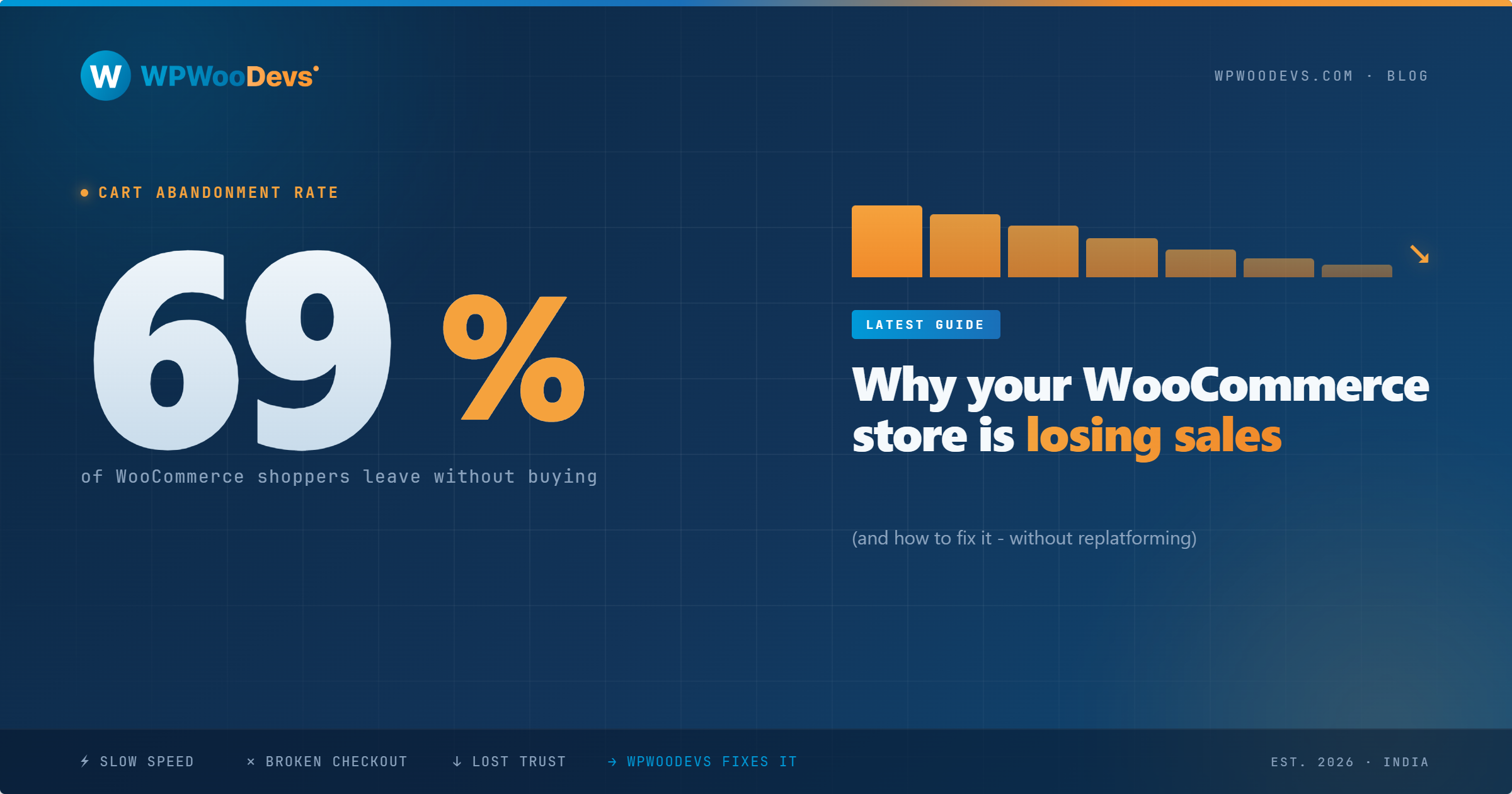
Here's a number that should stop you cold: 70% of WooCommerce shoppers abandon their cart before completing a purchase. On mobile, that number climbs to 85%. That means for every 100 people who show enough interest to actually add something to their cart, you're completing just 15 to 30 sales.
The good news? Most of the reasons they leave are entirely fixable. In this guide, we'll break down the five most common WooCommerce performance killers we see in 2026 — and give you a clear path to fixing each one.
The Real Cost of a Slow, Broken WooCommerce Store
Before we get into the fixes, let's put a dollar figure on the problem.
Say your WooCommerce store processes 100 carts per day with an average order value of $75. At a 70% abandonment rate, you're losing 70 potential sales — that's $5,250 in revenue gone every single day. Over a year, that's $1.9 million in missed sales.
Now here's what most store owners don't realize: a significant chunk of that is recoverable. Studies from the Baymard Institute estimate that $260 billion in abandoned carts across the US and EU alone is recoverable through better checkout design and site performance. The issue isn't that your customers don't want to buy. The issue is that something in your store's experience is creating enough friction to make them walk away.
And in 2026, shoppers have zero patience for friction. A one-second delay in page load time reduces conversions by 7%. Two seconds and you've lost a significant portion of your mobile audience before your product images have even loaded.
Let's look at exactly where WooCommerce stores lose the sale.
The 5 WooCommerce Sales Killers in 2026
1. Plugin Bloat That Slows Every Page to a Crawl
WooCommerce's biggest strength is also one of its biggest weaknesses: the plugin ecosystem. There are thousands of plugins for everything from product reviews to loyalty programs to live chat. The problem is that most of them load their JavaScript and CSS on every page of your site — including pages that have nothing to do with their function.
Consider what happens with a typical mid-sized WooCommerce store. A plugin for WooCommerce cart fragments (the script that updates the cart icon in real time) sends an AJAX request on every single page load, even blog posts and static landing pages. Multiply that across 15-20 plugins doing similar things, and your Time to First Byte (TTFB) balloons. Your Google PageSpeed score tanks. Your customers start experiencing the "lag" feeling that sends them to a competitor.
The fix: Audit every plugin with the Chrome DevTools Coverage tab. Ask yourself: does this plugin need to load on this page type? Use a script manager (tools like WP Rocket's load behavior settings work well) to conditionally disable plugins on pages where they serve no function. Aim to keep your active plugin count under 20 for a standard WooCommerce store.
2. Unoptimized Product Images Destroying Your Load Time
Product images are your storefront. They need to look great. But they're also the single biggest contributor to slow WooCommerce page loads — and most store owners are unknowingly uploading images 5-10 times larger than they need to be.
A product photo shot on a modern smartphone can easily be 4MB to 8MB. Uploaded directly to WooCommerce and served without optimization, that image forces every customer to download a file larger than some entire websites. On mobile networks, that extra load time is the difference between a sale and a bounce.
The fix: Convert all product images to WebP format — it's now supported in all major browsers and delivers 25-35% smaller file sizes at equivalent visual quality. Use lazy loading so images below the fold only load when a customer scrolls to them. Tools like ShortPixel or Imagify can automate the compression process. For your product catalog pages specifically, make sure WordPress is serving the correct thumbnail size rather than scaling down full-size images in the browser.
3. A Checkout Process With Too Many Steps and Too Much Friction
The average WooCommerce checkout has 5.1 steps from the shopping cart to the order review — and that number has barely changed since 2012. In an era of one-click Amazon purchases and Apple Pay, five steps feels like running an obstacle course.
This directly shows up in the data. Complicated checkouts are responsible for 21% of all WooCommerce cart abandonments, according to Baymard Institute research. Forced account creation is another major culprit — it's the second most common reason shoppers abandon checkout, cited by 26% of abandoners. Think about that: more than 1 in 4 of your potential customers walk away simply because you asked them to create a password.
The fix: Enable guest checkout — WooCommerce supports it natively, but many stores have it turned off. Reduce your checkout to three steps maximum: cart review, shipping/payment, confirmation. If you're using WooCommerce's block-based checkout (introduced in recent versions), it supports one-page checkout flows that keep customers moving forward without the multi-step mental overhead. Add Apple Pay and Google Pay buttons — these can reduce mobile cart abandonment by 20-26% by eliminating the need to type payment information on a phone keyboard.
4. Shared Hosting That Can't Handle Your Traffic
This one is painful because store owners often don't see it until it's too late. Shared hosting is where most WooCommerce stores start — it's cheap, easy, and fine when you're processing a handful of orders per day. But as your store grows and traffic increases, shared hosting becomes the ceiling that caps your performance.
On shared hosting, your store competes for server resources with hundreds of other websites on the same physical machine. During peak hours, your Time to First Byte (TTFB) — the time it takes your server to start sending data to a visitor's browser — can balloon to 800ms, 1,200ms, or more. Google considers anything above 600ms to be "needs improvement" for Core Web Vitals. Your entire LCP (Largest Contentful Paint) score is built on top of TTFB. If your foundation is slow, everything above it is slow.
The fix: If your store is processing more than 50 orders per day or seeing consistent traffic above 1,000 visitors per day, it's time to move to managed WordPress hosting (options like WP Engine, Kinsta, or Pressable) or a cloud VPS. Managed WordPress hosts include server-level caching, CDN integration, and infrastructure tuned specifically for WordPress/WooCommerce workloads. The cost difference — typically $25-80/month vs. $5-15/month for shared hosting — is almost always recovered within the first week of improved conversions.
5. No Caching Layer or CDN
If plugins and hosting are the engine, caching and a Content Delivery Network (CDN) are the turbocharger. Without them, every single page request on your WooCommerce store triggers a fresh database query, PHP processing, and full HTML generation — every time, for every visitor.
Caching stores a ready-to-serve version of each page so that most visitors get it instantly without triggering the full generation process. A CDN takes that cached content and distributes it across servers in data centers around the world, so a customer in Texas isn't waiting for a server response from a data center in New Jersey.
For WooCommerce stores specifically, caching requires careful configuration. You can't cache the cart, checkout, or "my account" pages — those are dynamic and user-specific. But your product pages, category pages, shop page, and blog posts can all be cached aggressively. Done right, caching alone can improve your TTFB from 800ms to under 200ms.
The fix: Install WP Rocket (paid, but worth it) or LiteSpeed Cache (free if your host uses LiteSpeed servers) for page caching. Configure the exclusion rules carefully for WooCommerce's dynamic pages. Pair it with Cloudflare's free CDN tier for an additional performance boost. For stores experiencing serious performance issues, object caching via Redis (available on most managed hosts) can dramatically speed up WooCommerce's database-heavy operations — especially for stores with large product catalogs.
The WooCommerce Speed Fix Checklist
Here's a quick-reference list to audit your store today. Work through these in order — earlier items have the biggest impact:
Hosting & Infrastructure
[ ] TTFB is under 600ms (test at web.dev/measure)
[ ] On managed WordPress hosting or cloud VPS (not shared)
[ ] CDN is active (Cloudflare free tier minimum)
Caching
[ ] Page caching plugin installed and configured
[ ] WooCommerce cart/checkout/account pages excluded from cache
[ ] Browser caching headers set correctly
Images
[ ] All product images converted to WebP
[ ] Lazy loading enabled for below-the-fold images
[ ] Correct thumbnail sizes being served (not full-size scaled down)
Plugins
[ ] Total active plugins under 20
[ ] No plugins loading on pages where they're not needed
[ ] Removed any plugins inactive for more than 6 months
Checkout
[ ] Guest checkout enabled
[ ] Checkout is 3 steps or fewer
[ ] Apple Pay / Google Pay enabled
[ ] No unnecessary form fields in checkout
[ ] Progress indicator showing checkout steps
Core Web Vitals
[ ] LCP under 2.5 seconds (check in Google Search Console)
[ ] INP under 200 milliseconds
[ ] CLS under 0.1
When to DIY vs. When to Hire a WooCommerce Developer
Some of the fixes above — enabling guest checkout, installing a caching plugin, compressing images — are genuinely DIY-friendly. If you're comfortable in the WordPress dashboard, you can work through them in a weekend.
But some problems run deeper than a plugin can solve.
If your Core Web Vitals are failing despite having WP Rocket installed, the issue is likely in your theme code, third-party scripts, or unoptimized JavaScript that requires a developer to properly audit and fix. If your checkout conversion rate is under 30%, there may be UX issues in your product pages or checkout flow that need a systematic rebuild. If your store has a large product catalog (1,000+ SKUs) and is slowing down under load, you may need proper database optimization, Redis object caching, and server-level tuning.
These aren't just technical problems — they're revenue problems. Every percentage point of checkout improvement on a $500K/year store is worth thousands of dollars. The math on hiring someone to fix it properly almost always works in your favor.
How WPWooDevs Can Help
At WPWooDevs, fixing WooCommerce performance problems is exactly what we do — and we've seen what's possible when you get it right. Our work on one client's WooCommerce platform delivered a 40x increase in revenue in the first year, driven by the kind of systematic optimization we've described in this post.
We offer a free WooCommerce speed audit where we'll run your store through a full performance analysis — Core Web Vitals, TTFB, plugin impact, checkout flow, and image optimization — and give you a prioritized list of fixes with estimated revenue impact.
No sales pitch. Just a clear picture of what's slowing your store down and what fixing it is worth.
Book your free WooCommerce speed audit →
Frequently Asked Questions
Why is my WooCommerce store so slow?
The most common causes are plugin bloat, unoptimized images, shared hosting, and missing caching. Run your store through Google PageSpeed Insights to get a starting diagnosis.
How much does WooCommerce speed optimization cost?
A full performance optimization engagement typically ranges from $500 to $2,500 depending on the complexity of your store. For most stores, the revenue recovery from improved conversion rates makes this back within 30-60 days.
Does site speed really affect WooCommerce sales?
Yes, directly. A one-second improvement in load time has been shown to increase conversions by 7%. On mobile — where 72% of ecommerce traffic now comes from — the impact is even more significant.
What's the most important thing to fix first on a slow WooCommerce store?
Start with your hosting. If your TTFB is above 600ms, no amount of frontend optimization will fully compensate for a slow server. Once hosting is sorted, address caching, then images, then plugin bloat.
Can I fix WooCommerce speed without a developer?
For basic fixes — caching plugins, image compression, enabling guest checkout — yes. For deeper issues like JavaScript optimization, custom code, database tuning, or Core Web Vitals failures in complex stores, you'll need a developer to properly diagnose and resolve the root cause.
WPWooDevs is a WordPress and WooCommerce development agency based in Ahmedabad, India, serving clients in the US, UK, and Australia. We specialize in performance optimization, WooCommerce development, and white-label WordPress solutions for agencies.