Ultimate Member Plugin Vulnerability: What WordPress Website Owners Need to Do Right Now
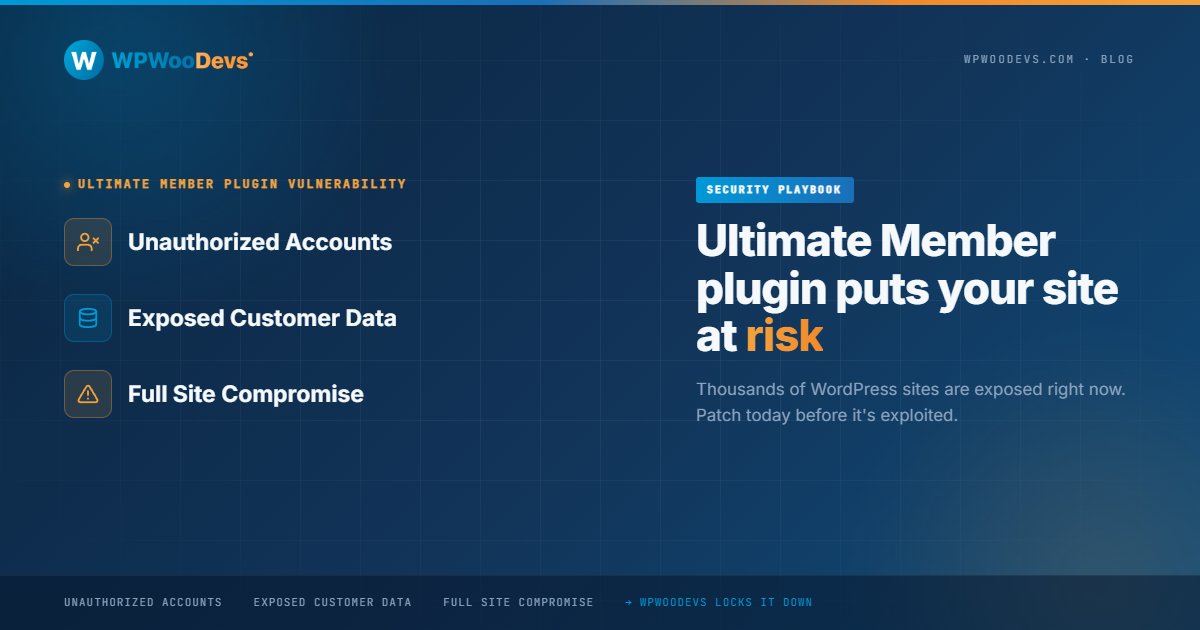
A security vulnerability in the popular Ultimate Member plugin has once again put thousands of WordPress websites at risk. If your website uses Ultimate Member for user registration, membership management, or community features, this is not something you should ignore.
Security vulnerabilities in WordPress plugins can expose sensitive customer information, create unauthorized accounts, and in severe cases, lead to complete website compromise. The good news is that you can reduce your risk significantly by taking action today.
Why This Vulnerability Matters
Ultimate Member is one of the most widely used WordPress membership plugins. It helps website owners manage user registrations, profiles, member directories, and restricted content.
Because the plugin handles user accounts and permissions, vulnerabilities within it can become a serious security concern.
Recent security advisories identified multiple vulnerabilities affecting different versions of the plugin. Researchers reported issues including SQL injection, cross-site scripting (XSS), sensitive information exposure, and account takeover risks. Several vulnerabilities received high severity scores because attackers could potentially gain access to data or user accounts if websites remained unpatched.
How Vulnerable Websites Can Be Affected
Many website owners assume attackers only target large businesses.
The reality is different.
Automated bots continuously scan WordPress websites looking for outdated plugins and known vulnerabilities.
If attackers successfully exploit a vulnerable plugin, they may:
Access sensitive customer data
Create unauthorized user accounts
Inject malicious code
Redirect visitors to harmful websites
Damage website reputation
Impact SEO performance
For membership websites, online communities, and customer portals, the consequences can be even more severe because user information is directly involved.
How to Check If Your Website Is Affected
Start by logging into your WordPress dashboard.
Navigate to:
Plugins → Installed Plugins
Look for Ultimate Member and check the version number.
Then compare it with the latest version released by the plugin developers. The Ultimate Member team has already addressed several security issues through updates and security patches. Running an outdated version significantly increases your risk.
If automatic updates are disabled, your website may still be running an older vulnerable release.
What You Should Do Immediately
Update the Plugin
This is the most important step.
Install the latest version of Ultimate Member and any related extensions. Security patches are specifically designed to close known vulnerabilities.
Update WordPress Core
Plugin security works best when your WordPress installation is also current.
Always keep WordPress core updated to the latest stable release.
Review User Accounts
Check your website's user list carefully.
Look for:
Unknown administrators
Suspicious user accounts
Recently created accounts you don't recognize
Unauthorized accounts are often one of the first signs of compromise.
Run a Security Scan
Use a trusted security solution to scan your website for malware, suspicious files, and known vulnerabilities.
A full scan can help identify issues before they become major problems.
Strengthen Login Security
Enable:
Two-factor authentication
Strong passwords
Login attempt limits
These measures help reduce the risk of unauthorized access.
Why Plugin Updates Are Not Enough
Many website owners update a plugin and assume the problem is solved.
Security requires a broader approach.
A secure WordPress website depends on:
Regular updates
Ongoing monitoring
Strong hosting environments
Secure user permissions
Firewall protection
Routine backups
Security should be treated as an ongoing process, not a one-time task.
How WPWooDevs Helps Protect WordPress Websites
Security vulnerabilities are becoming more common across the WordPress ecosystem.
At WPWooDevs, we help businesses maintain secure, fast, and reliable WordPress websites through proactive maintenance and monitoring.
Our WordPress maintenance services include:
Plugin and theme updates
Security monitoring
Website backups
Performance optimization
Vulnerability reviews
Technical support
Instead of waiting for a security incident, we help you stay ahead of potential threats.
Final Thoughts
The latest Ultimate Member vulnerability is another reminder that plugin security should never be overlooked.
If your website uses Ultimate Member, update immediately and review your security practices. A few minutes of preventive maintenance can save you from significant downtime, lost customer trust, and expensive recovery work later.
Your website is one of your most valuable business assets. Protect it accordingly.
Worried About Plugin Security?
WPWooDevs helps businesses keep their WordPress websites secure, updated, and performing at their best. Get a professional website security review and discover potential risks before they become serious problems.