14 Must-Have WordPress Plugins for Small Business Websites in 2026
There are over 59,000 plugins in the official WordPress repository. That number sounds helpful until you're actually trying to build a business website and you realize it means you'll spend three hours reading conflicting reviews before you've even set up your contact form.
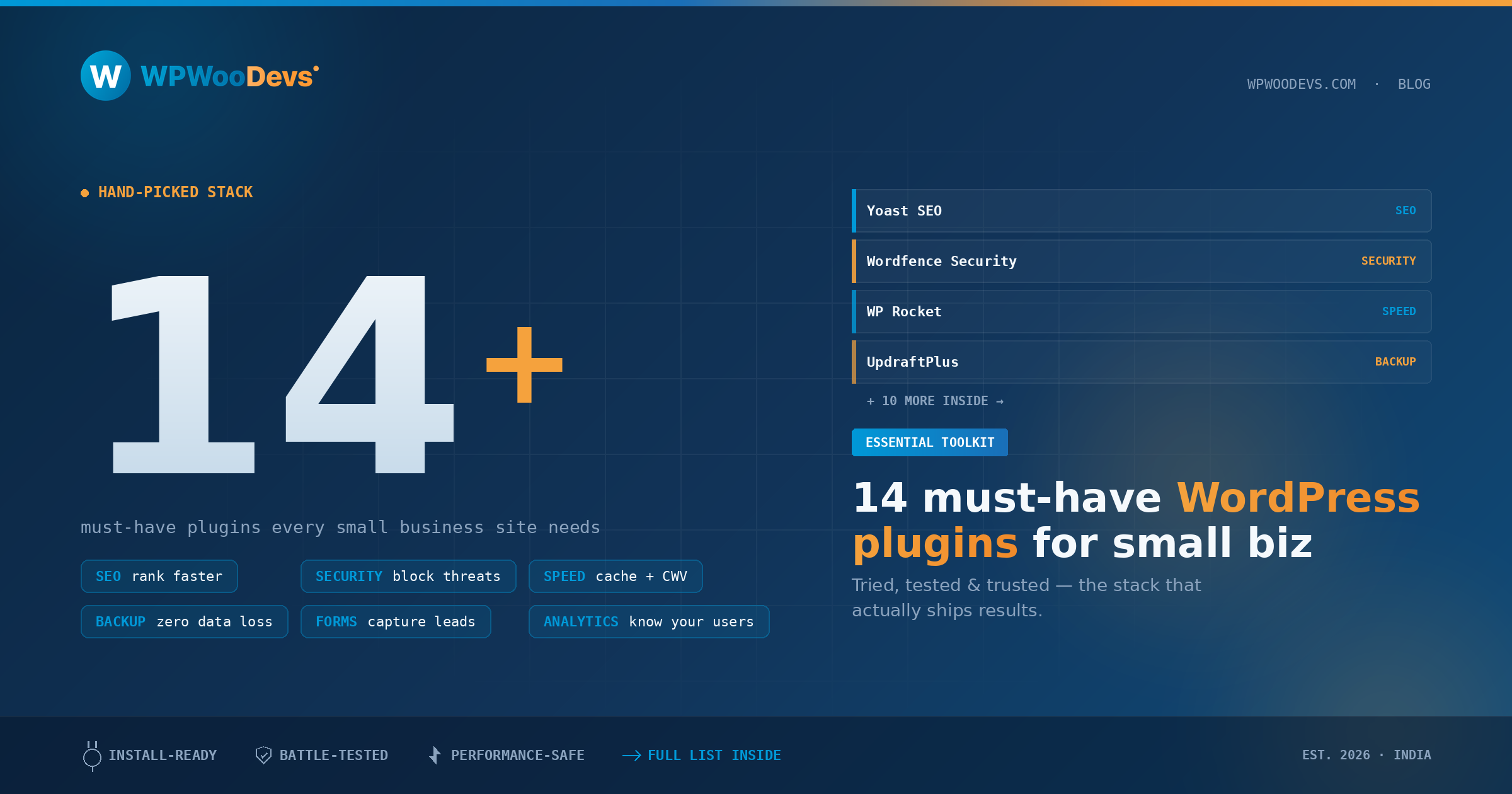
This guide cuts through the noise. These are fourteen WordPress plugins that small business websites genuinely need in 2026 — not trendy, not over-engineered, just reliable tools that solve real problems. For each one, I'll tell you what it does, why it matters for a business site, and what to look for when choosing between alternatives.
One important note before we start: plugin count matters. Every plugin you install adds code to your site, which affects loading speed and introduces potential security surface. The goal isn't to install all fourteen of these. It's to identify the ones that address your specific gaps, install those, and skip the rest.
Category 1: Performance
1. A Caching Plugin — WP Rocket or LiteSpeed Cache
If you take nothing else from this list, take this: every WordPress business site needs a caching plugin.
WordPress generates pages dynamically — each visit triggers PHP execution and database queries. Caching stores a static version of each page so subsequent visitors get it instantly, without that overhead. The speed difference is often dramatic: pages that took 2–3 seconds to load can drop to under a second.
WP Rocket ($59/year for one site) is the gold standard for non-technical users. It handles page caching, file minification, lazy loading, and preloading with almost no configuration required. You install it, turn it on, and your site gets faster. The settings are well-labeled and the documentation is excellent.
LiteSpeed Cache is free and equally powerful — but it only works on servers running the LiteSpeed web server software. If your host runs Apache or Nginx, it won't function as a full caching solution (though it has some features that still work). Check with your host before choosing this option.
W3 Total Cache is free and widely used but requires more configuration and can be difficult to troubleshoot for non-developers. It's capable but less forgiving.
2. An Image Optimization Plugin — Imagify or ShortPixel
Images are typically the largest contributors to page weight on any website. Unoptimized images can add seconds to load times and are a primary cause of poor Core Web Vitals scores.
An image optimization plugin automatically compresses new images as you upload them and can bulk-optimize your existing library. They also handle WebP conversion — serving the modern WebP format to browsers that support it (which is effectively everyone now) and fallback formats for those that don't.
Imagify and ShortPixel both offer generous free tiers (enough for a modest site) and affordable paid options as your image library grows. Smush is another popular free alternative with a premium tier, though its free version is less capable than the others on compression quality.
Category 2: SEO
3. An SEO Plugin — Yoast SEO or Rank Math
WordPress, out of the box, doesn't give you much control over how search engines see and interpret your content. An SEO plugin fills that gap by adding meta titles and descriptions, XML sitemaps, structured data markup (schema), canonical tags, Open Graph tags for social sharing, and more.
Yoast SEO (free version is excellent; premium adds redirects, internal linking suggestions, and multi-language support) is the most-installed WordPress plugin in the world and has been for years. The free version handles everything a small business site needs for basic to intermediate SEO.
Rank Math is a newer entrant that has gained significant ground. Its free version includes features that Yoast charges for in premium, including schema markup for multiple content types, keyword rank tracking, and 404 monitoring. It's also well-optimized for performance.
You only need one. Choose based on which interface you prefer — both are capable. Don't install both.
4. Google Site Kit
Site Kit by Google is the official plugin that connects your WordPress site to Google Search Console, Google Analytics (via GA4), PageSpeed Insights, and AdSense in a single dashboard inside your WordPress admin.
For a small business owner who doesn't want to manage multiple Google properties separately, this is a genuinely useful consolidation. You can see your search performance data, top queries, traffic trends, and page speed metrics without leaving WordPress.
The one caveat: if you have a developer managing your site who prefers manual Google Analytics implementation (via a separate tag or GTM), you may not need this. But for self-managed sites, it's a clean solution.
Category 3: Forms and Lead Generation
5. A Contact Form Plugin — WPForms or Gravity Forms
Every business website needs a contact form. Don't use a simple mailto link — they expose your email address to scrapers and produce a worse user experience.
WPForms Lite (free) handles basic contact forms, email notifications, and spam protection well. The paid tiers add more field types, payment integrations, multi-page forms, and conditional logic. It's beginner-friendly with a clean drag-and-drop builder and solid documentation.
Gravity Forms is more powerful and developer-friendly, with robust conditional logic and a wide range of add-ons. It requires a paid license from the start ($59/year) but it's worth it if your forms need to be complex — multi-step booking forms, quote calculators, conditional content, etc.
Contact Form 7 is the historical default recommendation and has hundreds of millions of installs, but its interface is dated and it requires more manual configuration for things like spam protection. For a new install, start with WPForms.
6. A Popup and Lead Capture Plugin — OptinMonster or Hustle
If you're building an email list or promoting a specific offer, a well-implemented popup or inline opt-in can significantly increase conversion rates. "Well-implemented" is the key phrase — poorly timed or difficult-to-dismiss popups damage user experience and will hurt your bounce rate.
OptinMonster is the most feature-rich option, with a visual editor, extensive display rules (exit intent, scroll depth, time on page, etc.), and integrations with all major email platforms. It's subscription-based, starting at around $9/month.
Hustle (from WPMU Dev) has a generous free tier and works well for basic email opt-in forms, slide-ins, and announcement bars without the premium price tag.
Whatever you use, be thoughtful about trigger timing. An exit-intent popup that appears when someone moves their mouse toward the browser's close button is far less intrusive than one that appears five seconds after someone lands on the page.
Category 4: Security and Backup
7. A Security Plugin — Wordfence or Sucuri
As covered in detail in our WordPress security guide, a security plugin is non-negotiable for any business site. You need a Web Application Firewall, malware scanning, and brute force protection at minimum.
Wordfence Security (free tier is robust) is the most widely used option and handles these requirements well. Enable the firewall, set up login security, and configure email alerts when threats are detected.
Sucuri has a strong reputation particularly for its DNS-level firewall in the premium version, which intercepts malicious traffic before it reaches your server — a more powerful architecture than a plugin-level firewall, but at a higher cost.
8. A Backup Plugin — UpdraftPlus
Backups are your safety net. Plugin conflicts, bad updates, hacking attempts — any of these can leave you needing to restore your site from a clean copy. Without backups, that might mean rebuilding from scratch.
UpdraftPlus (free for basic functionality; premium for scheduled off-site backups to multiple destinations) is the standard recommendation for WordPress backups. It's reliable, well-maintained, and supports backing up to Google Drive, Dropbox, Amazon S3, and more.
Set up automated daily or weekly backups stored off-site. Test a restore at least once so you know the process works when you actually need it.
Category 5: User Experience
9. A Page Builder — Elementor or Beaver Builder
WordPress's native block editor (Gutenberg) has improved significantly and handles many design tasks competently now. But for businesses that need specific layouts, landing pages, or visual designs without custom development, a drag-and-drop page builder is still valuable.
Elementor (free version is capable; Pro adds more widgets, templates, and WooCommerce integration) is the most popular page builder and has extensive template libraries. The free version handles most standard business page layouts.
Beaver Builder is more lightweight, developer-friendly, and produces cleaner code than Elementor, which translates to better performance. It's a premium-only product, but many developers prefer it for client sites.
If your site runs on a block-based theme like Kadence or GeneratePress, try building with native blocks before committing to a heavy page builder — you may find you don't need one.
10. A Cookie Consent Plugin — CookieYes or Complianz
If you have visitors from the UK, EU, or Australia, cookie consent compliance is a legal requirement, not an optional nice-to-have. The UK GDPR (post-Brexit version of GDPR), Australia's Privacy Act, and California's CPRA all impose obligations on how you collect and disclose cookie and tracking data.
CookieYes and Complianz both offer free tiers that handle automatic cookie scanning, consent banner generation, and a cookie policy. Complianz is more configurable for multi-region compliance; CookieYes is easier to set up quickly.
Don't skip this. Regulators across the UK, Australia, and the US are actively pursuing non-compliant sites, and the reputational and financial consequences aren't worth the trouble of skipping a free plugin.
Category 6: Content and Social Proof
11. A Review and Testimonials Plugin — WP Business Reviews or Strong Testimonials
Social proof is one of the most powerful drivers of conversions on business websites. Potential customers want to see that real people have used your service and found it valuable. Displaying reviews and testimonials prominently — especially near decision points like pricing pages or contact forms — consistently improves conversion rates.
WP Business Reviews aggregates reviews from Google, Yelp, and Facebook and displays them on your site in a customizable widget. This is particularly valuable because third-party reviews carry more weight than self-collected testimonials.
Strong Testimonials handles manually curated testimonials with flexible display options. Combine the two if you want both aggregated external reviews and handpicked case studies or longer testimonials.
12. A Social Sharing Plugin — Social Warfare or Shared Counts
If you're publishing content — blog posts, guides, case studies — making it easy to share on social media extends your reach without paid advertising. A good social sharing plugin adds attractive, fast-loading share buttons without the performance hit that many add-on social scripts create.
Social Warfare (free core version is solid) is known for being well-optimized for performance and for offering share count display, which can provide additional social proof.
Shared Counts is a lightweight free alternative for those who want minimal overhead.
Category 7: eCommerce (If Applicable)
13. WooCommerce
If you sell anything online — physical products, digital downloads, services, bookings — WooCommerce is the standard WordPress eCommerce solution. It's free, maintained by Automattic (the company behind WordPress.com), and extends into almost any eCommerce use case through its own plugin ecosystem.
WooCommerce itself handles products, carts, checkout, orders, and basic payment gateways (Stripe and PayPal are built in). For more complex needs — subscriptions, memberships, variable product customization, bookings — there are dedicated extensions.
Even if you only sell one or two things, WooCommerce is preferable to manually building a checkout flow. It handles the security requirements around payment forms, order management, and customer notifications that you'd otherwise need to build from scratch.
14. A WooCommerce Payment Gateway — Stripe for WooCommerce
If you're using WooCommerce, you need a payment gateway. Stripe for WooCommerce (maintained by WooCommerce directly) is the cleanest integration with the most consistent checkout experience. Stripe's fees are competitive and transparent, it supports local payment methods increasingly, and it handles subscription billing if you need it.
PayPal Payments is a solid alternative, particularly if your customers expect PayPal as an option (common with older demographics and international customers). Many stores offer both.
The Honest Summary
Fourteen plugins sounds like a lot written out in a list. In practice, a typical small business site might need six to eight of these depending on what it does:
Every site: caching plugin, image optimization, SEO plugin, security plugin, backup plugin
Most service businesses: contact form, cookie consent
Content-heavy sites: SEO is more important; add social sharing
eCommerce: add WooCommerce and a payment gateway
Lead-generation focused: add popup/opt-in and review plugins
Start lean. Install only what you need today. Add more as your requirements grow. A focused, well-maintained plugin set is better than a bloated one with half the plugins doing overlapping jobs.
Not sure which plugins are right for your specific WordPress setup? WpWooDevs can review your current configuration, identify gaps, and recommend a streamlined plugin stack tailored to your business goals. Get in touch for a site audit.