Website Speed Optimization Checklist for 2026 (Free Guide)

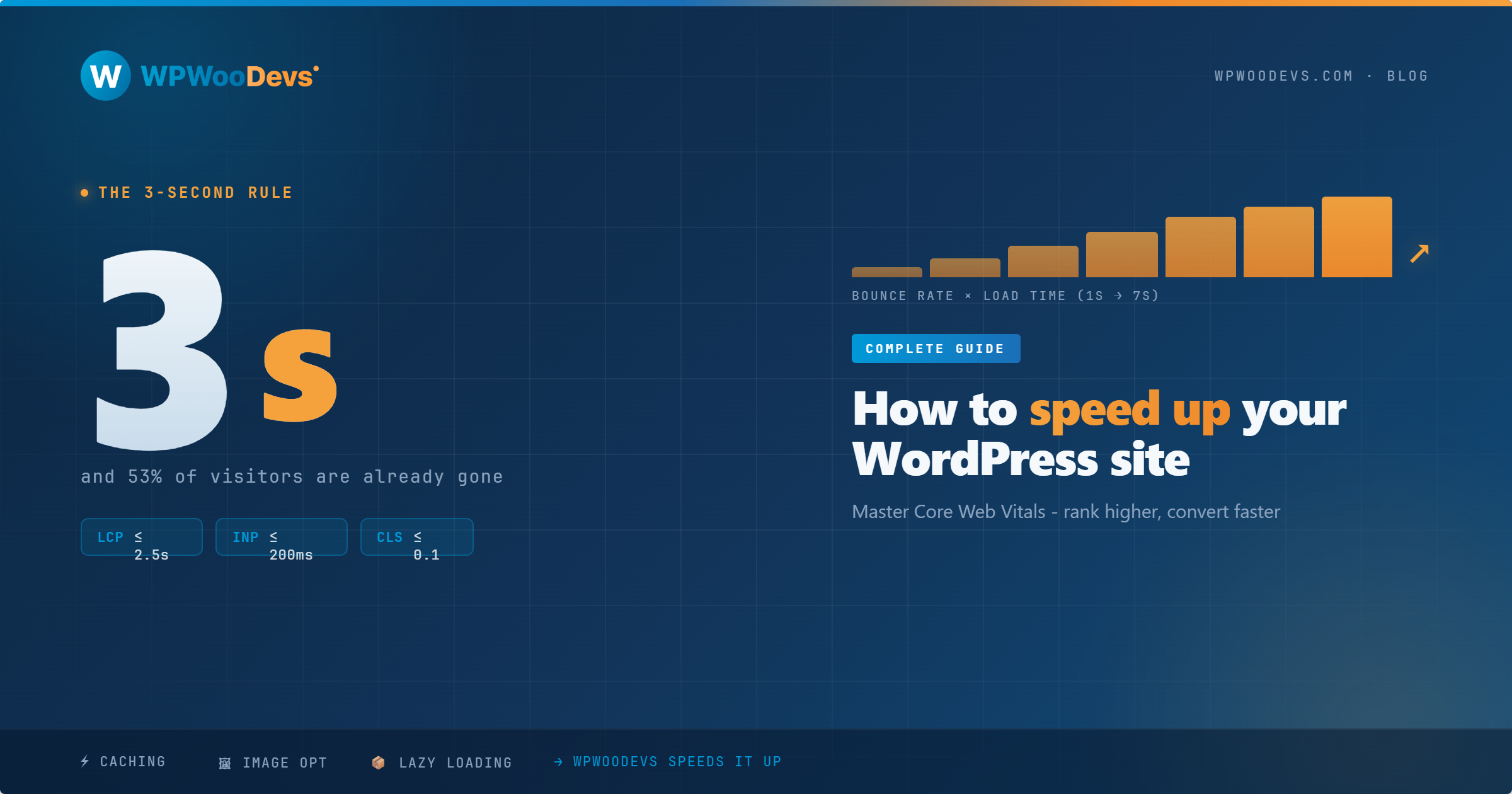
In 2026, website speed is no longer a luxury - it’s a business essential. Users expect fast experiences, and search engines reward websites that deliver them. If your website takes more than 3 seconds to load, data shows that over half of your visitors will leave before seeing anything. On top of that, Google’s ranking system is heavily influenced by Core Web Vitals, which directly measure loading performance, responsiveness, and visual stability.
Whether you’re a business owner, a digital marketer, or a WordPress agency, this guide will help you identify what’s slowing down your website and how to fix it - step by step. Let’s make your website faster, more efficient, and more profitable.
Why Website Speed Matters in 2026
A slow website impacts your business in ways you might not notice immediately. Speed directly affects:
SEO Rankings - Faster websites appear higher on Google.
User Experience - Visitors abandon slow pages quickly.
Conversions - A faster loading store generates more sales.
Brand Credibility - People trust modern, fast websites.
Studies show that a 1-second delay can reduce conversions by up to 20%. That means every millisecond counts.
Fast website = More revenue + Better engagement + Stronger visibility.
Step-by-Step Website Speed Optimization Checklist for 2026
This checklist is designed to help you move toward a <2-second load time and pass all Core Web Vitals.
Start With a Website Speed Audit
You can’t improve what you haven’t measured. Begin by testing your current performance with tools like:
Google PageSpeed Insights
GTmetrix
WebPageTest
Lighthouse Audit in Chrome DevTools
These tools highlight issues in real-time - such as large files, heavy images, unnecessary scripts, or slow server response times. Save the benchmark so you can track progress as you optimize.
Invest in Fast and Modern Hosting
Hosting is the foundation of your website’s performance. No amount of optimization can fix a slow server. If your site runs on cheap shared hosting, you will always struggle with speed.
In 2026, businesses should choose managed WordPress hosting or cloud-based hosting with advanced caching and CDN support. Also ensure your hosting runs on PHP 8.1+, as newer versions are significantly faster and more secure.
Use a Lightweight WordPress Theme
Many themes look beautiful but contain bloated code and unnecessary layouts that slow everything down. When speed is a priority, simplicity wins.
Instead of bulky themes with too many preloaded elements, choose performance-optimized themes such as Astra or GeneratePress. They provide clean structure and load only what your pages actually need.
Enable Proper Caching
Caching creates a static version of your website so the browser doesn’t have to rebuild it every time a user visits. This drastically reduces server load and speeds up delivery.
There are different types of caching like browser, page, and object caching - but modern optimization plugins automate most of this process for you. WP Rocket and LiteSpeed Cache are top recommendations because they handle multiple caching layers together.
Optimize Images for Faster Delivery
High-quality images are great for branding but terrible for speed if not formatted correctly. Images often account for over 50% of page weight.
To optimize image performance:
Resize them before uploading
Convert them to modern formats like WebP
Compress them using optimization tools
Lazy-load elements below the fold
This ensures the browser focuses first on loading the part of the page that users immediately see.
Reduce JavaScript, CSS & Third-Party Code
Heavy files and scripts create render-blocking, delaying how quickly the page becomes interactive. Many WordPress websites include large plugins that load scripts on every page - even when not needed.
Removing unused scripts, deferring non-essential JavaScript, and minimizing CSS sizes can dramatically improve responsiveness. If you’re using tracking pixels, chatbot scripts, or marketing tags - integrate them efficiently to avoid performance bottlenecks.
Add a CDN for Better Global Speed
If your audience is spread across multiple countries, distance matters. Content takes longer to load when the server is far away. A Content Delivery Network (CDN) solves this issue by serving your website from the closest location to each user.
CDNs like Cloudflare not only increase speed but also enhance security with built-in protection features.
Clean Up the Database Regularly
Your WordPress database stores everything - including things you don’t need. Over time, this includes spam comments, post revisions, trashed items, and leftover plugin data. A heavier database leads to slower server response.
A monthly cleanup ensures your website stays efficient. Tools like WP-Optimize can automate cleaning and help maintain long-term performance.
Prioritize Core Web Vitals
Google’s Core Web Vitals are performance benchmarks that directly impact rankings:
Largest Contentful Paint (LCP): How fast content loads
Interaction to Next Paint (INP): How fast users can interact
Cumulative Layout Shift (CLS): How stable the visual layout is
Fixing delays in these areas helps search engines understand that your site is reliable and user-friendly.
Keep Plugins Lean and Efficient
Plugins are amazing until there are too many of them. More plugins = More code = More delays. The goal is to use only what adds real value.
Review all plugins and remove outdated, duplicate, or unnecessary ones. Before installing a new plugin, check speed impact and compatibility.
Speed Optimization Is Not a One-Time Fix
A fast website can slow down again if left unmonitored. Regular audits, plugin checks, and performance tracking should be part of your maintenance routine. Every update, design change, or plugin addition can impact performance - so staying updated is essential.
Final Thoughts
Speed optimization isn’t just about pleasing Google - it creates a seamless digital experience that makes visitors stay longer and take action. Faster websites earn more trust, more engagement, and more revenue. The good news? You don’t need to be a developer to apply most of these strategies.
But if you want expert support...
WPWooDevs specializes in WordPress website speed optimization
We help businesses pass Core Web Vitals and enjoy lightning-fast results.
📩 Get a Free Speed Audit Today
Let us analyze what’s slowing you down - and fix it.